
Record anything, fast
Log income and expenses in seconds with automatic categorization. Everything stays on your device.
Your money, on your device.
A private, offline-first finance app to record income and expenses, plan budgets, handle multi-currency accounts, and track vehicle costs. Use it locally, then opt in to Google Drive backup when you need it.
Everything you need
Track income and expenses, keep budgets honest, and understand where your money actually goes. Local use requires no account; cloud backup is always your choice.
Log income and expenses in seconds with automatic categorization. Everything stays on your device.
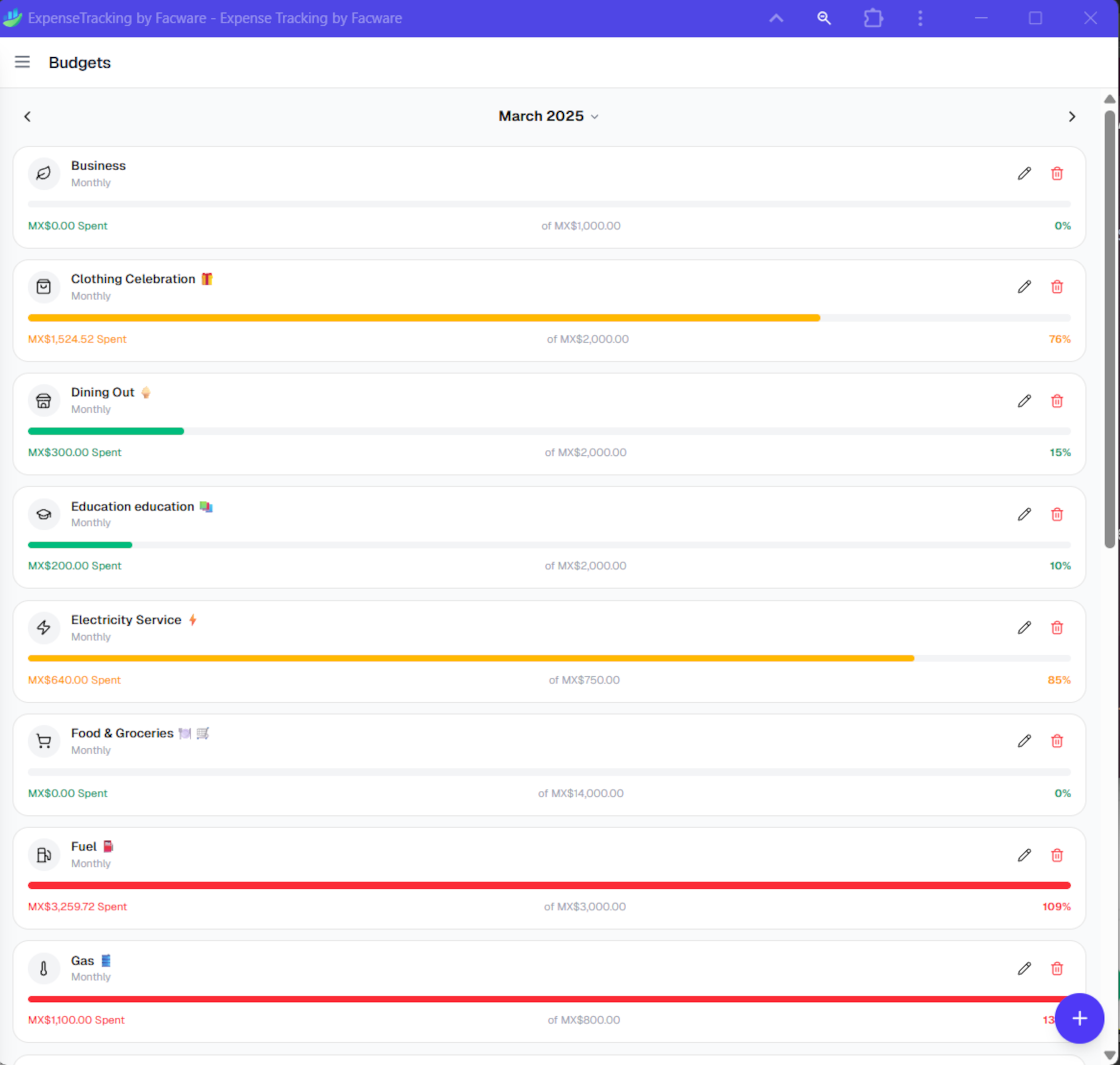
Set monthly limits per category and see at a glance where you're over or under.
Generate detailed reports that support smarter saving decisions.
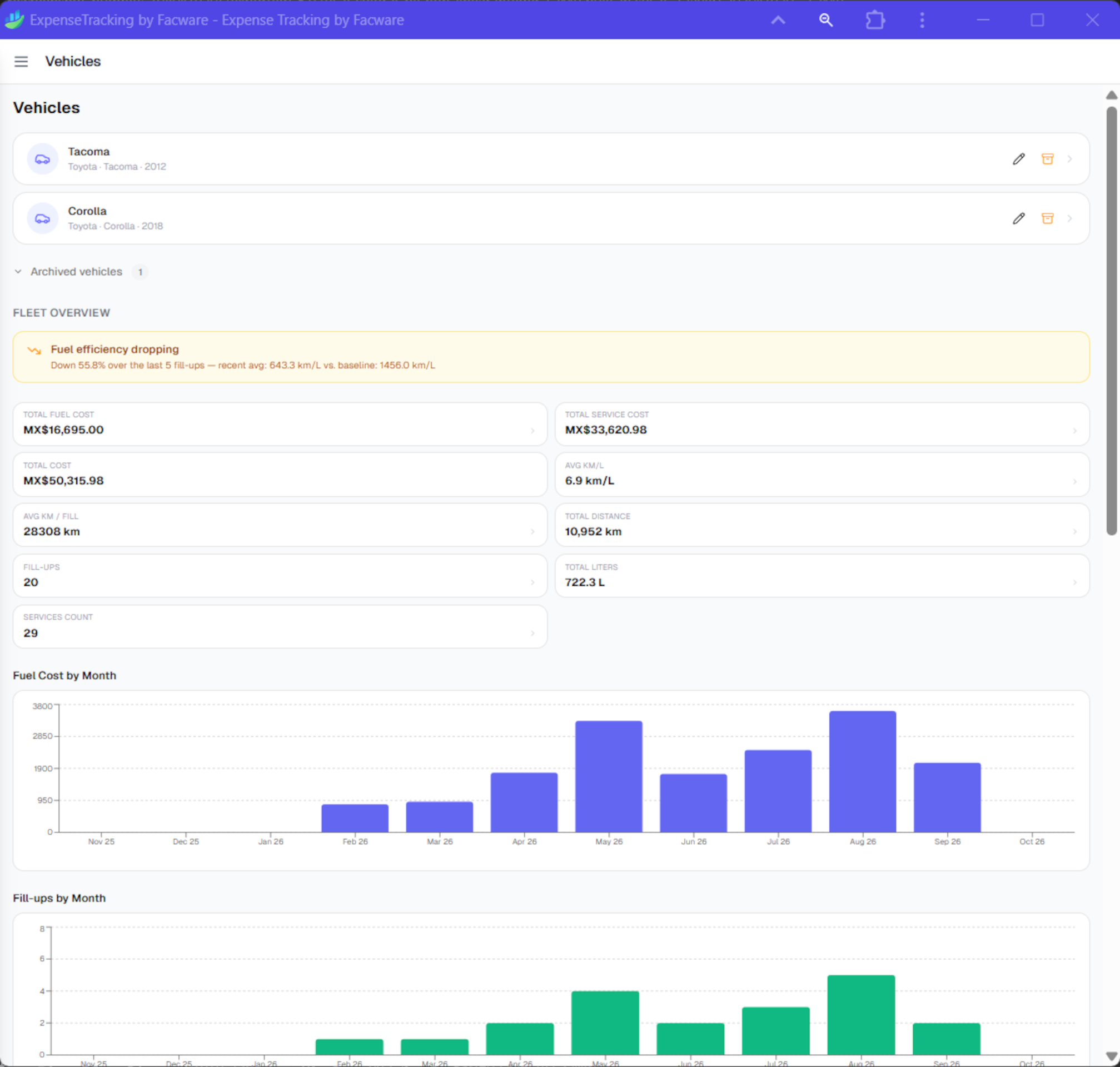
Log fuel fill-ups and maintenance to understand the true cost of driving.
Handle several currencies with auto-updated exchange rates, and keep working offline with cached rates.
Local data stays in your browser. Optional Google Drive backup is started by you, uses the permission you approve, and can be disconnected at any time.
Local-first by default. Export a JSON backup, PDF report, or CSV—or opt in to Google Drive backup when you need it.
How it works
No sign-up or credit card is required for local use. Follow these steps to start tracking.
Open expense-tracking.facware.com on your phone or desktop and add it to your home screen (PWA). It works offline.
Create accounts, choose your currency, and add your starting balance.
Log income and expenses; categories apply automatically and can be customized to match how you think about money.
Set monthly limits and watch your remaining balance update in real time.
Track fuel and maintenance to see your real cost per kilometer.
Download a JSON, PDF, or CSV export anytime. If you choose Drive backup, connect it only when needed.
See it in action
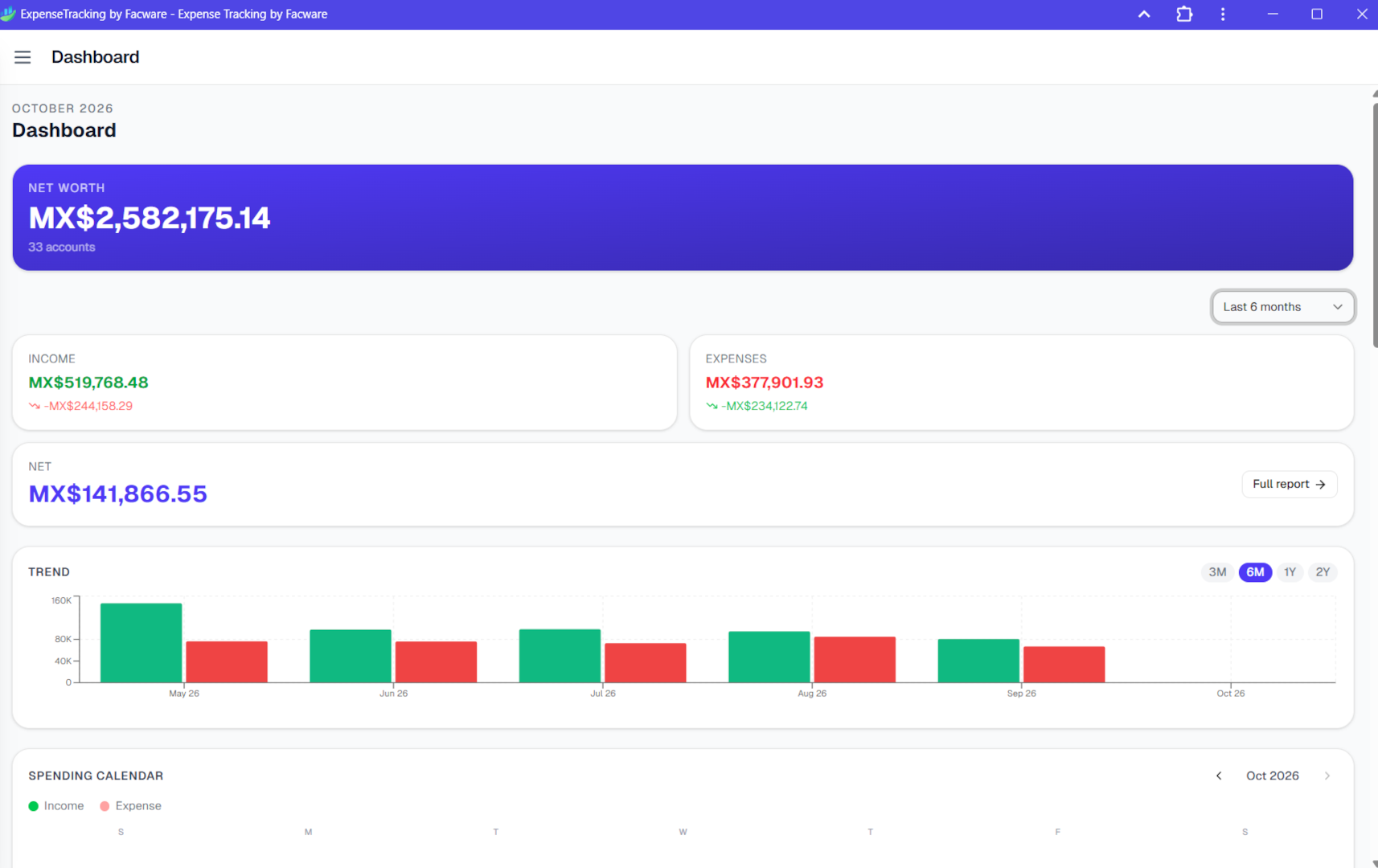
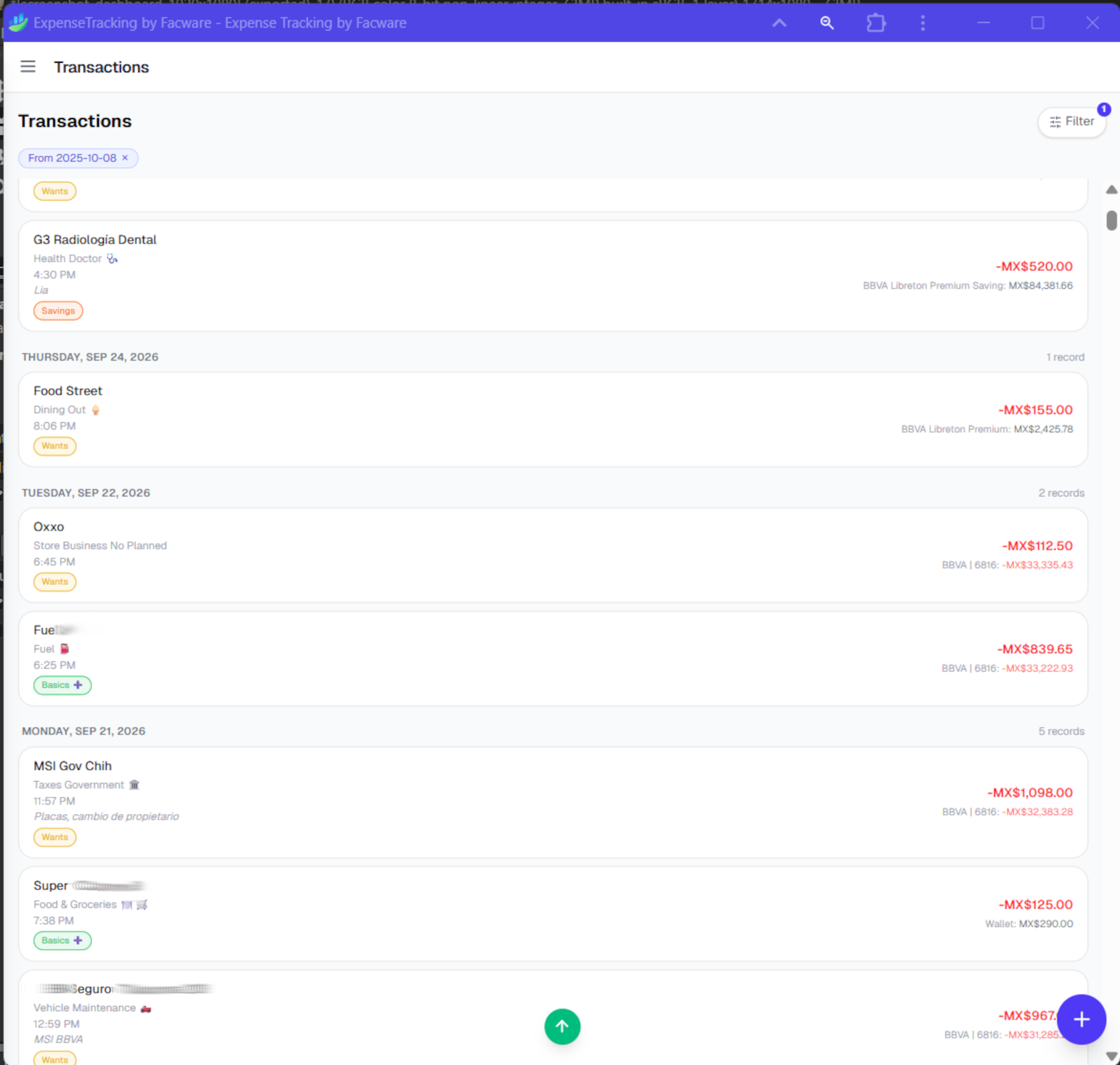
Explore the interface, from the dashboard to transaction, budget, and vehicle views.
Optional cloud backup
ExpenseTracking works locally first. When you choose backup or restore, the app asks Google for the minimum Drive access needed for that feature. We do not sell your data or use Google Drive data for advertising.
Roadmap
See what is available today and what is planned next.
Free to use
Open the app on any device, add it to your home screen, and start tracking in minutes. Local use is free and does not require an account.